TOPDECK
Manage single-player game saves on your Steam Deck or PC — from your phone.
Offline single-player games only. Multiplayer titles are never touched.
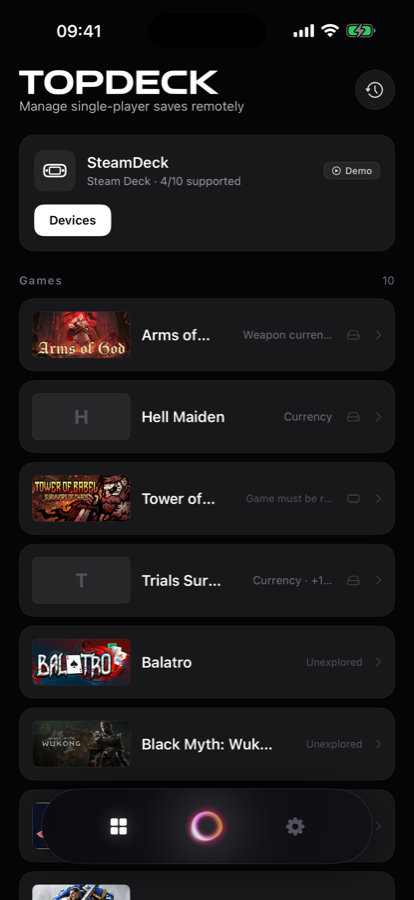
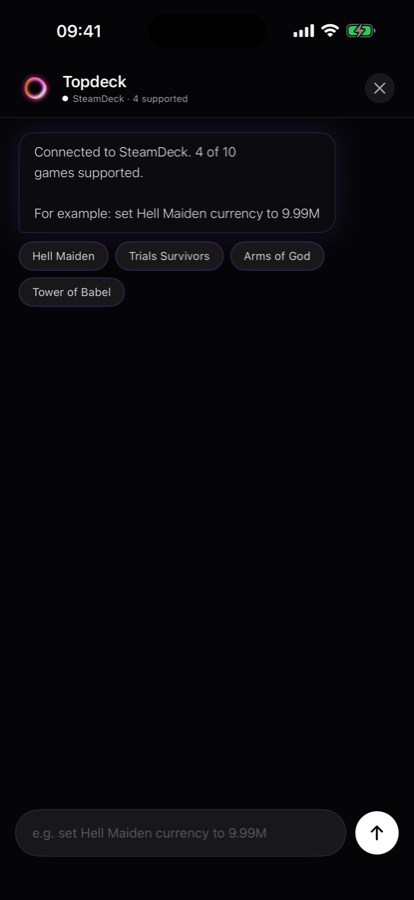
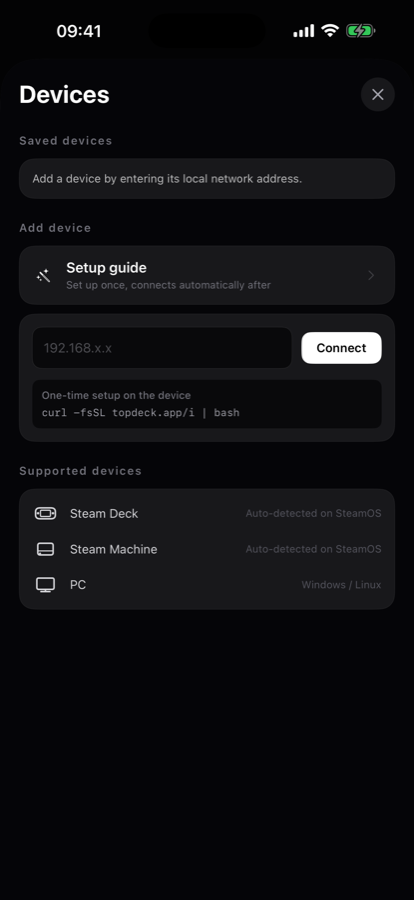
What it does
Conversational control
Name the value and the number you want. No file paths, no hex editors.
Stays on your machine
The helper reads and writes saves locally. Save contents never leave your Wi-Fi.
Automatic backup
The original file is copied before every write, so any change can be undone.
Supported games
Works with games whose save format has been analysed. The app shows which of your installed games are covered.
How it works
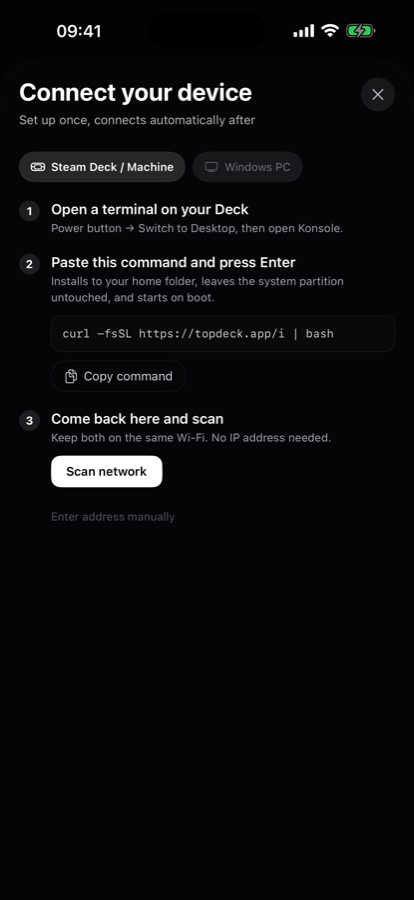
- Install the helper on your Steam Deck, Steam Machine, or Windows PC — one command,
one time:
curl -fsSL https://molink.shangkeai.com/i | bash - Open the app on your phone and tap scan. It finds the machine on your Wi-Fi. No IP address to type in.
- Say what you want changed. The app locates the save, reads the current value, backs up the original, and writes the new one.
The helper runs entirely on your own machine. Save file contents never leave your local network.
Requirements
Phone
iPhone running iOS 17 or later.
Computer
Steam Deck or Steam Machine (SteamOS), or a Windows PC.
Network
Both on the same Wi-Fi network.
Pricing
Subscriptions are billed through your Apple ID and renew automatically unless cancelled at least 24 hours before the period ends. Manage or cancel in Settings → Apple ID → Subscriptions. Purchases can be restored inside the app.
Support
Questions, bug reports, or a game you would like supported — littlehumangroup@gmail.com. We usually reply within two business days.